Quotation form
Send an inquiry
Start with the basics. Our team can follow up for missing drawings, standards or packing details.
Submitted details are used only for quotation, technical review and project communication.

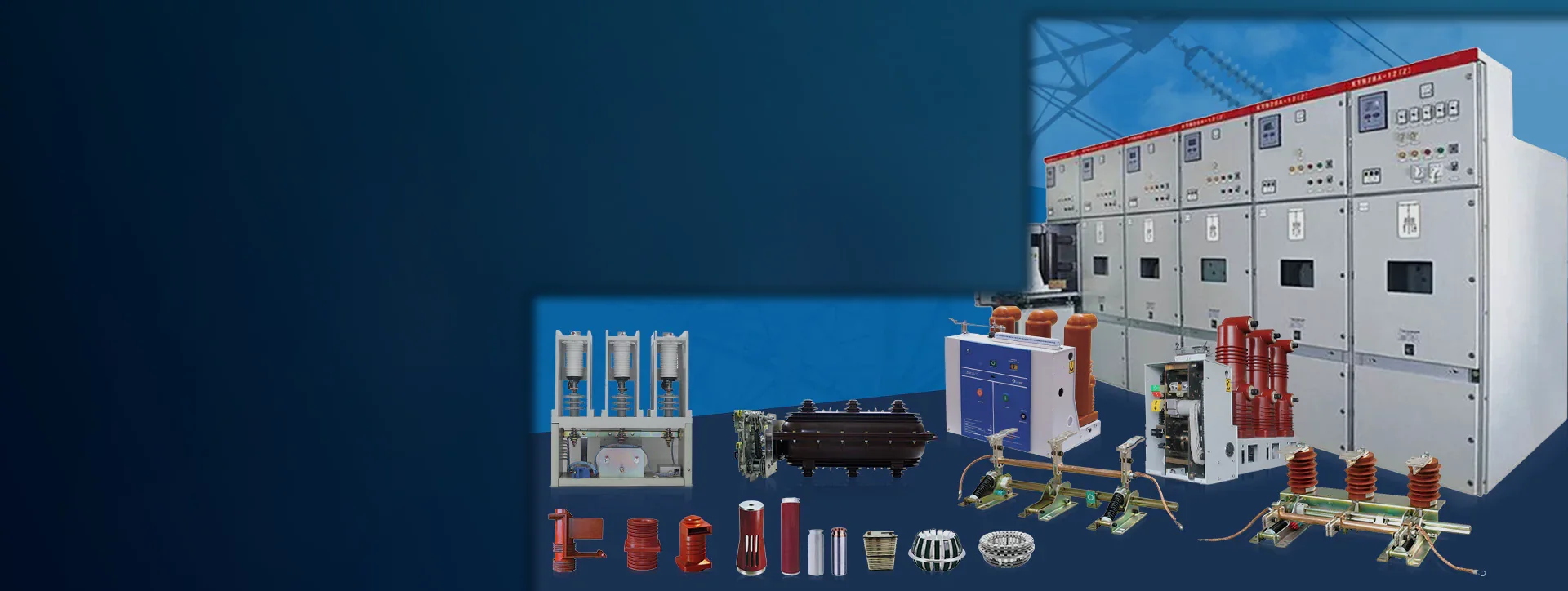
Select insulation interfaces, current-path contacts, earthing parts, control locks, cabinet fittings, vacuum and protection service parts by cabinet position, drawing need and replacement evidence.
Filter by cabinet position and component function, then confirm the product image, drawing need and replacement evidence before RFQ.
Showing all 18 component groups.
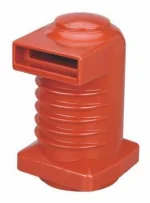
Epoxy contact interface for VCB trucks and drawout cabinet contact systems.
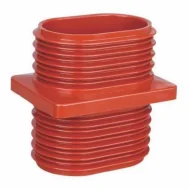
Wall-through insulation for busbar and cable interfaces in MV cabinets.
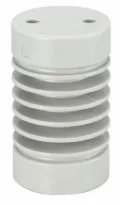
Insulation supports and pull rods for operating mechanisms and live-part spacing.
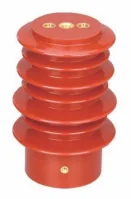
Sensor and CT accessories for metering feedback and cabinet monitoring circuits.
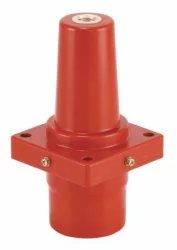
Sleeve interfaces for gas-insulated cabinet connections and replacement matching.
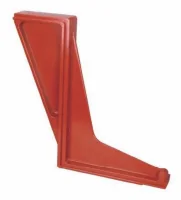
Insulating barrier plates for phase separation and cabinet compartment protection.
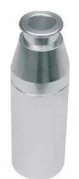
Copper arms for VCB drawout trucks and cabinet current paths.
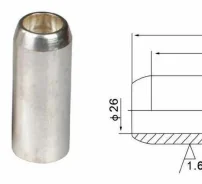
Fixed, tulip and flat contacts for primary circuit connection points.
Earthing switch parts and operating mechanisms for grounding interlock service.
Secondary plug connectors for drawout cabinet auxiliary and control circuits.
Electromagnetic locks for cabinet door interlocking and operating safety.
Door locks and panel hardware for switchgear cabinet access control.
Anti-condensation heaters for switchgear cabinet temperature and moisture control.
Busbar clamps and supports for cabinet busbar positioning and fixation.
Cable-side accessories for terminations, retainers and cabinet exit protection.
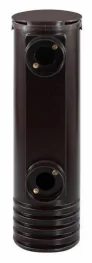
Embedded pole and insulated cylinder parts for VS1 vacuum circuit breakers.
Vacuum contactor parts for MV switching panels and service replacement checks.
Current limiting fuses for MV protection and replacement matching by rating.
Use the cabinet position first, then choose the matching product group. This map is for component group selection, not for electrical circuit design.
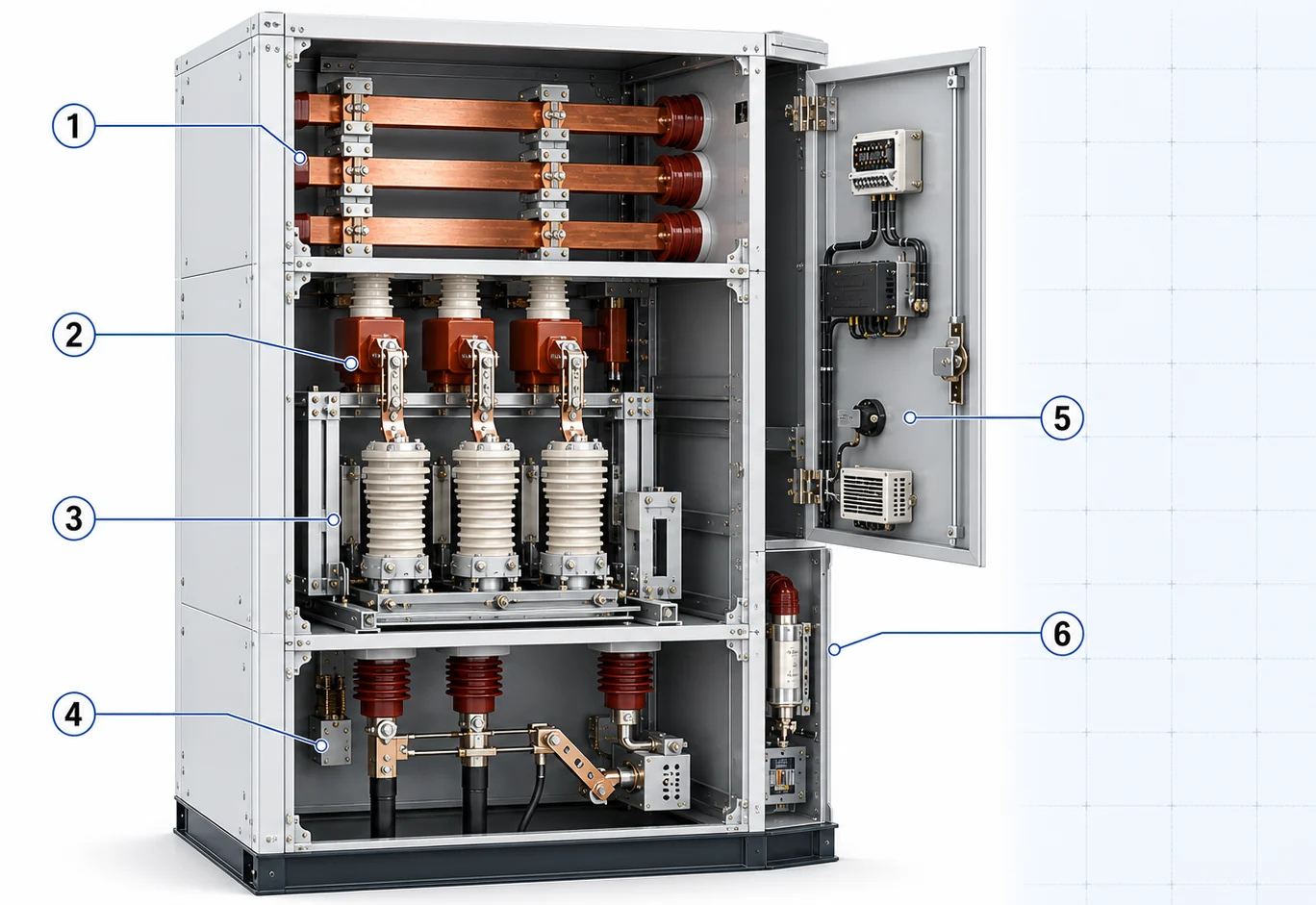
Confirm the cabinet zone before comparing model data. This keeps similar-looking components from being matched to the wrong bay or interface.
For breaker contact interfaces, busbar wall passages, phase barriers and insulated mechanism links inside MV bays.
For drawout truck contacts, fixed connection points, tulip contacts and busbar support hardware in the main circuit.
For grounding knives, linkage parts and interlock mechanisms tied to safe earthing operation.
For secondary plug interfaces, electromagnetic locks and door hardware on control and interlock circuits.
For anti-condensation heating, cable exits, termination support and protection around cabinet service compartments.
For embedded poles in the breaker compartment, contactor positions and protection fuse holders that must match the cabinet layout.
Use this matrix to choose the first product group before sending drawings, photos and rating information.
| Need or cabinet position | Start with product group | Confirm before RFQ | Drawing need |
|---|---|---|---|
| Breaker contact insulation or spout | Voltage class, current rating, cabinet type and outline size | Product photo plus mounting drawing | |
| Wall-through insulation or busbar passage | Voltage class, hole pattern and conductor interface | Drawing strongly preferred | |
| Drawout current path or contact replacement | Breaker model, rated current, contact style and installation position | Product photo plus dimensions | |
| Auxiliary control or interlock part | Plug pins, lock voltage, panel cutout and installation side | Photo plus measured dimensions | |
| Cabinet service fitting | Cabinet position, clamp size, cable exit size and quantity | Dimensions when fixed mounting matters | |
| VCB service or MV protection part | Breaker or contactor model, voltage, current or fuse rating | Model drawing or label photo |
Component matching should not rely on appearance alone. Photos, drawings, labels and measured dimensions work together; teams can also download switchgear component catalog PDFs before matching drawings and labels.
Photos help identify the replacement family, visible interface and cabinet position.
Drawings confirm outline size, hole positions, terminals, mounting direction and fixed dimensions.
Voltage class, current rating and compatibility must be checked against labels, drawings or technical data.
If a drawing is not available, include measured dimensions, cabinet photos and the required outline drawing request.
Send the part evidence first. XIYA POWER can then check the component group, drawings and missing data before price discussion, or check certificates, test reports and RFQ forms when project files need review.
Short answers for replacement matching, drawing checks and procurement preparation.
Start with the cabinet position and component function, then compare the product photo, drawing dimensions and rating data before sending the RFQ.
Yes. Send the old part photo, cabinet or breaker model, nameplate data, mounting dimensions and quantity so the closest route can be checked.
Use drawings when outline size, fixing holes, phase spacing, terminal direction or cabinet cutout dimensions must be confirmed.
Some accessory groups have enough data for quotation checks but not enough model photos and drawings for a separate model gallery.
For component replacement, the fastest path is a product photo plus cabinet model or drawing. XIYA POWER can review the match before quoting.